
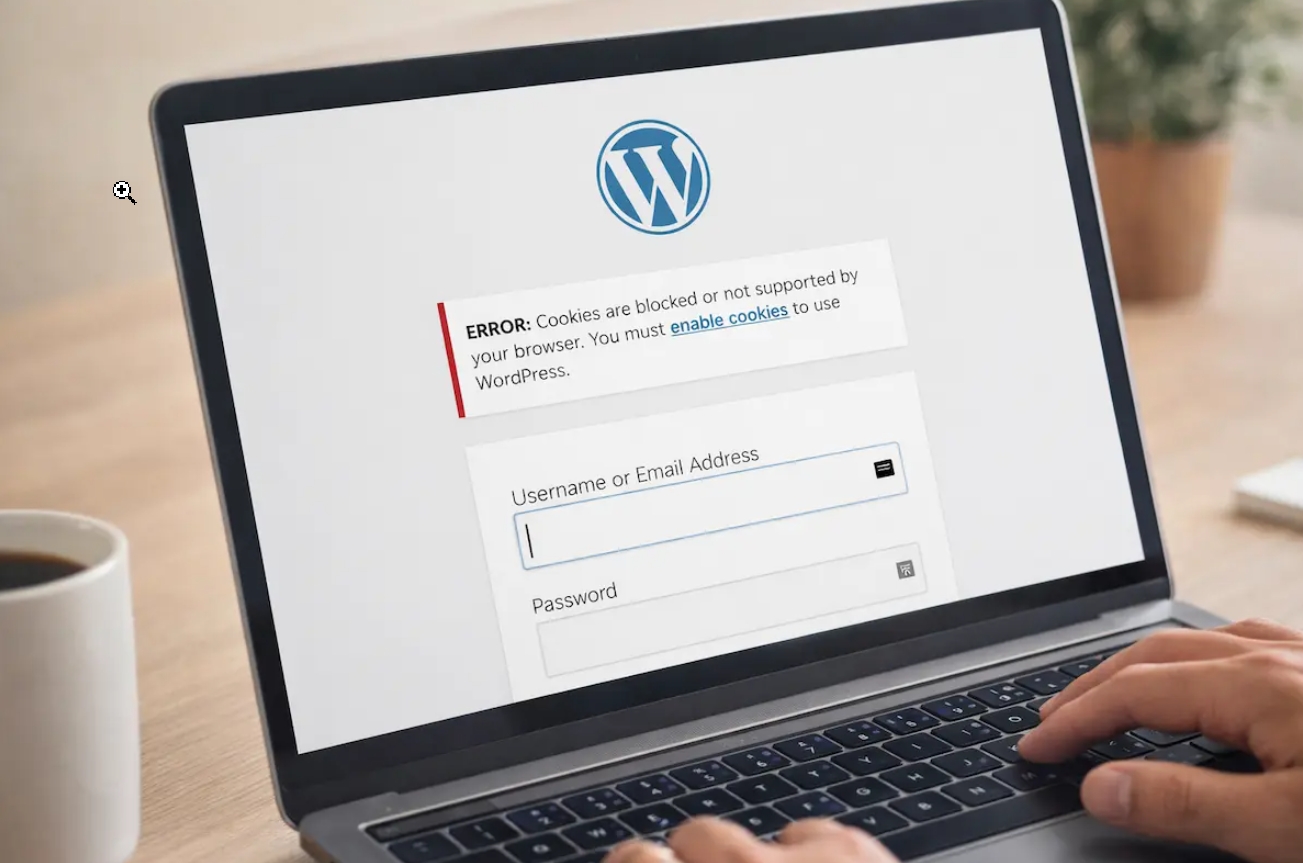
Error:
ERROR: Cookies are blocked due to unexpected output.
sebenarnya bukan karena browser memblokir cookie, tetapi karena WordPress mengirim output (teks, spasi, warning, atau error PHP) sebelum header cookie dikirim. Akibatnya WordPress gagal membuat session login.
Dari pengalaman saya menangani WordPress, sekitar 90% penyebabnya adalah salah satu dari berikut ini:
1. Plugin yang error (penyebab paling sering) ⭐⭐⭐⭐⭐
Biasanya setelah update plugin atau install plugin baru.
Cara cek
Melalui File Manager/cPanel:
wp-content/plugins/Rename folder:
pluginsmenjadi
plugins_oldKemudian coba login lagi.
Kalau berhasil login berarti ada plugin yang bermasalah.
2. Theme error
Rename folder theme yang sedang aktif.
Misalnya
wp-content/themes/astramenjadi
astra_oldWordPress otomatis menggunakan theme default.
3. Ada spasi sebelum <?php atau setelah ?>
Misalnya pada file
wp-config.php
functions.php
atau file plugin.
Contoh yang salah
(space)

<?php
atau
?>

(space)
Output sekecil apapun akan menyebabkan error cookie.
4. Ada Warning PHP
Contoh
Warning:
Notice:
Deprecated:
Fatal error:
yang muncul sebelum halaman login.
Ini juga membuat cookie gagal dibuat.
5. File wp-config.php rusak
Pastikan bagian paling awal file adalah
<?phpTidak boleh ada
- BOM UTF-8
- spasi
- baris kosong
di atasnya.
6. URL Website Tidak Sama
Cek database tabel
wp_optionsNilai
siteurl
home
harus sama.
Misalnya
https://tukangtamanasri.combukan
http://atau
www.yang berbeda.
7. File .htaccess rusak
Rename
.htaccessmenjadi
.htaccess_oldLalu buat baru
# BEGIN WordPress
<IfModule mod_rewrite.c>
RewriteEngine On
RewriteBase /
RewriteRule ^index\.php$ - [L]
RewriteCond %{REQUEST_FILENAME} !-f
RewriteCond %{REQUEST_FILENAME} !-d
RewriteRule . /index.php [L]
</IfModule>
# END WordPress
8. Cache Server
Jika memakai
- LiteSpeed Cache
- WP Rocket
- SG Optimizer
- Cloudflare
hapus cache semuanya.
Cara mengetahui penyebab pastinya
Aktifkan debug WordPress.
Pada
wp-config.phpubah menjadi
define('WP_DEBUG', true);
define('WP_DEBUG_LOG', true);
define('WP_DEBUG_DISPLAY', false);
Kemudian coba login.
Lihat
wp-content/debug.logBiasanya akan langsung terlihat plugin atau file yang error.